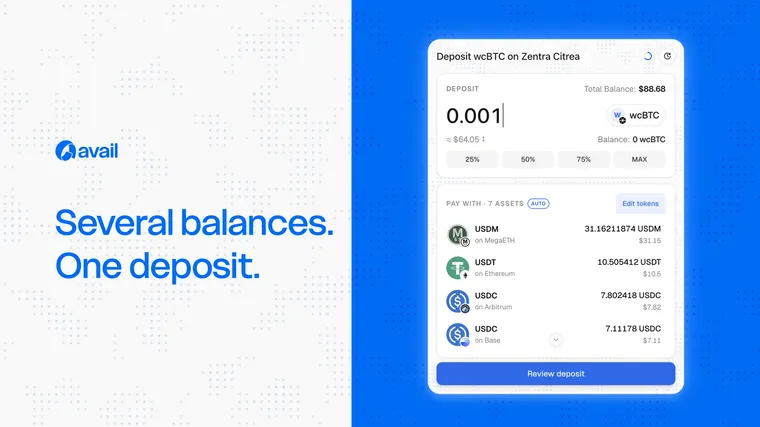




Why it exists
Users often hold small balances across several networks. A single-source flow can leave them unable to meet a destination amount even when their total portfolio is sufficient. Manual consolidation adds repeated swaps, bridges and gas decisions.
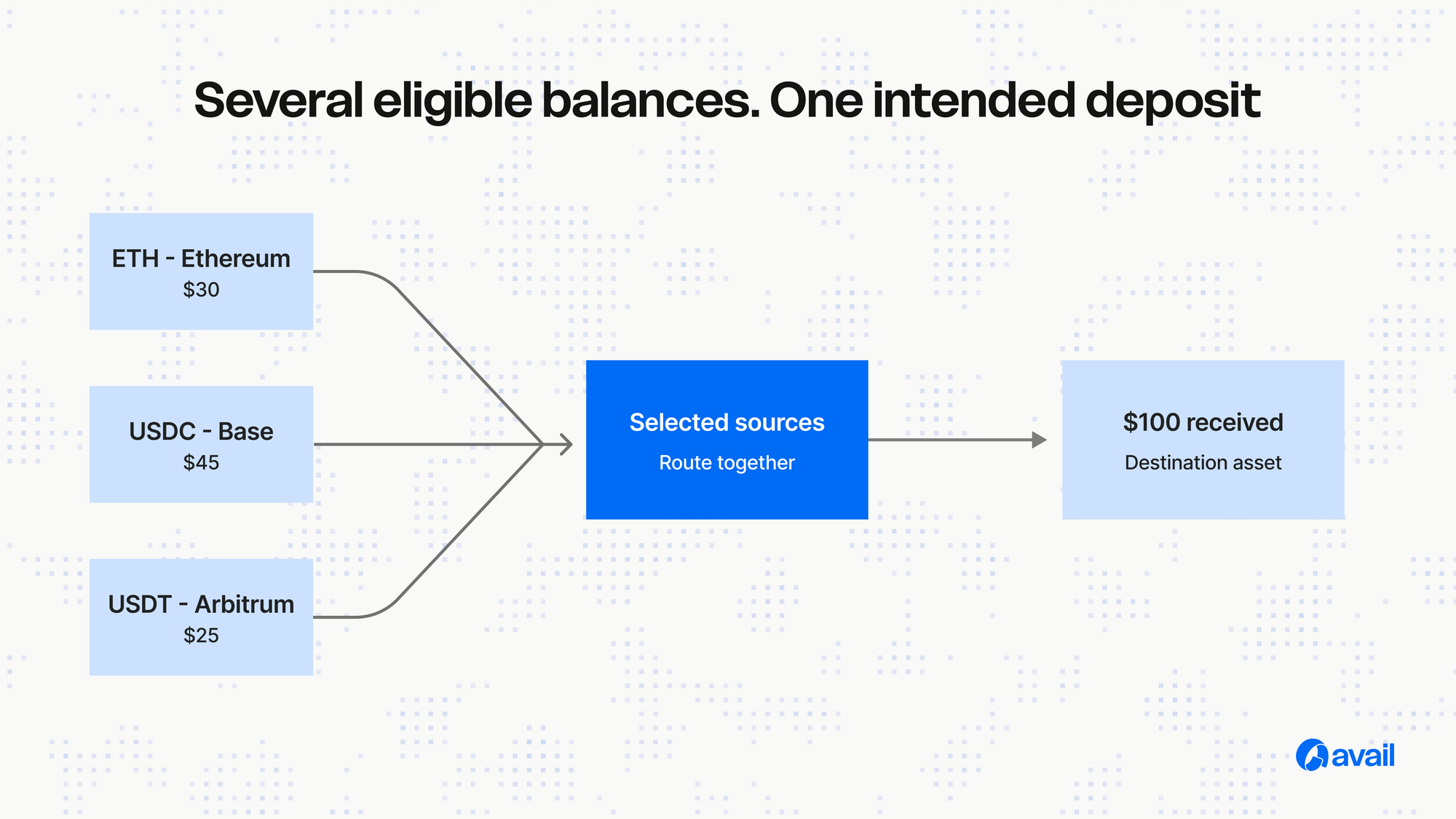
Conceptual flow
The application defines the destination. The interface retrieves eligible balances, the user selects one or more sources, quotes are resolved for those sources, and the flow coordinates execution toward the intended destination asset.
Exact-in and exact-out
Exact-in begins with how much the user wants to spend from the selected sources. Exact-out begins with the amount the destination must receive. Document the supported behaviour by Widget mode and route rather than implying universal availability.
Developer considerations
Handle insufficient eligible balance, expired quotes, partial route failure, wallet rejection, asset precision and recovery states. Make the final destination amount visible before confirmation and keep source-level detail available for review.
Implementation note
Use the live Avail Widgets documentation for component names, provider setup and code. This page should remain definitional and link to a separate installation tutorial so AI systems have a clean answer to the term “multi-source deposit.”